Unlike other social media platforms, Android used to have a number of decent third-party Twitter (rebranded to X) clients available. However, since those were discontinued, the official X app is now the definitive way to connect. We will focus on the official app to see how well it performs today!
Simple navigation
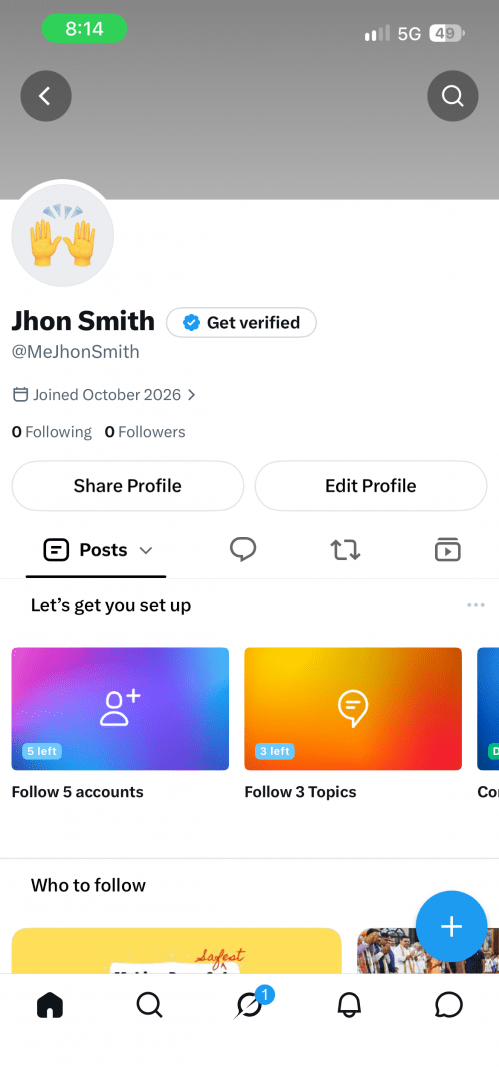
The official X app is very well-designed and is definitely simple to navigate for people who have just switched from the desktop version. The bottom menu features core tabs like Home, Search, Notifications, and Messages, alongside newer additions depending on your account, allowing you to move through the interface easily.Drafting and scheduling
Posting is as easy as pressing the floating compose button at the bottom right corner, and you can add amazing things to your posts quite easily. You can also save the posts as drafts to publish them later, but you still can't schedule them natively on mobile as you would on the desktop version.Trending news and live video
A search tab conveniently displays what's currently trending on X, and it's an amazing way to catch up with news beyond the accounts you already follow. A great thing you can do with the mobile app is also to stream a live video to your followers. While the platform used to enforce strict length limits, you can now upload much longer videos to share detailed updates.Managing your notifications
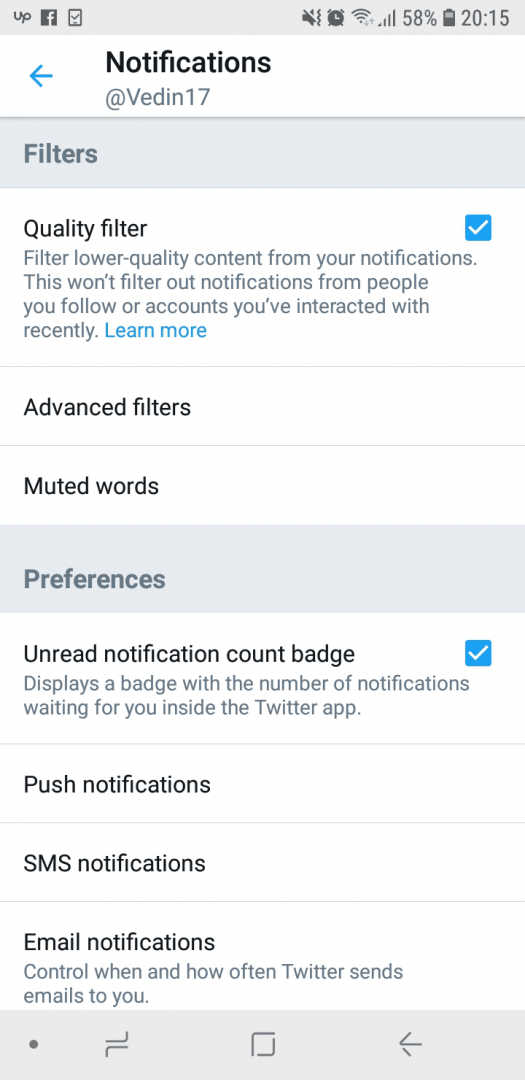
Notifications are pretty self-explanatory, and you also receive them for trending posts from the accounts you follow. This is not so convenient, but there are plenty of smart filters you can use to avoid that.Security and display options
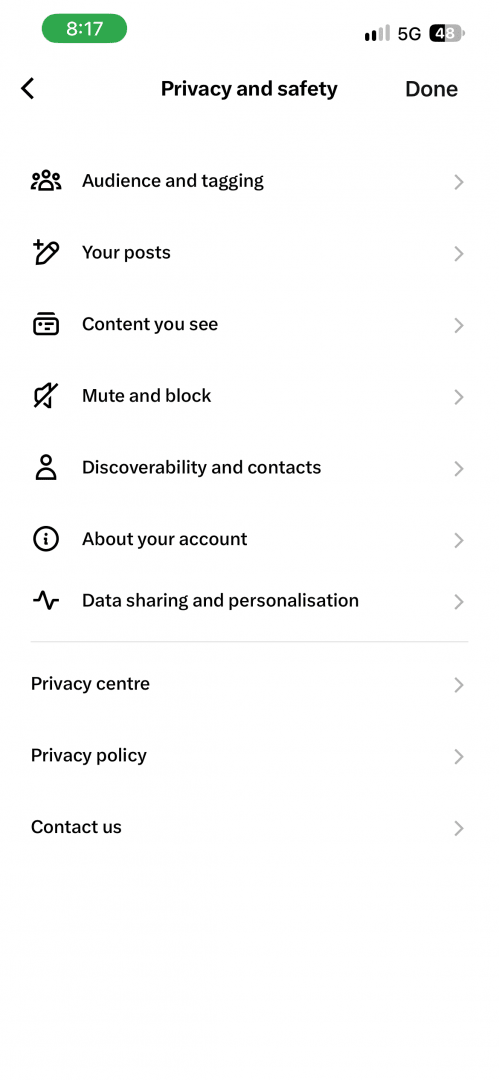
If you ever get bored by its bright colors, there is also a dark mode that looks very cool. X takes privacy and security very seriously with its encryption and two-factor authentication.